
AI photo editor for iPhone and Android
Your photo,better in one tap.
Pick a photo, choose a look, and Toneli does the rest. Restore an old photo, try a new hair color, or turn a picture into anime, a sketch or an oil painting.


- 61 looks across 6 tabs
- 18 run on your phone, no credit
- Free to start


Every look, one tap.
New hair colors, a restored old photo, the 80s, a typed edit, Magic Touch and anime art, one after another.

How it works
Pick a photo
From your gallery, or take one with the camera.
Choose a look, or type it
Pick from 61 looks, let Magic Touch suggest the fixes, or write the change you want.
Save or share
Save it to your photos, resize it for the platform, or publish it to the community if you want to.
What it does
Fix it, restyle it, make it fit.
Nothing to learn, nothing to buy to start.
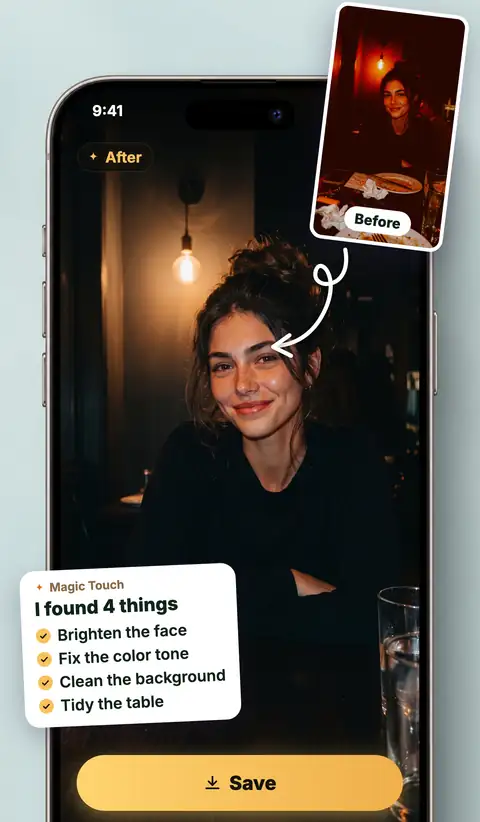
Magic Touch reads the photo for you
You do not have to know what is wrong with a picture. Magic Touch looks at it and tells you: the light is flat, the background is busy, the colors are washed out. You tap the fixes you like and it applies them.
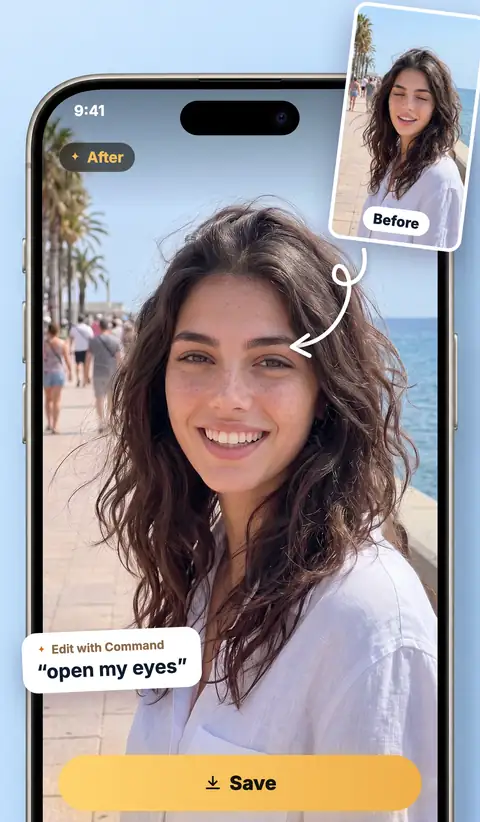
Say it in your own words
Type the change you want and it happens. Attach a second photo and it gets used too, so you can put yourself on a beach you photographed, or bring your cat into the frame beside you.
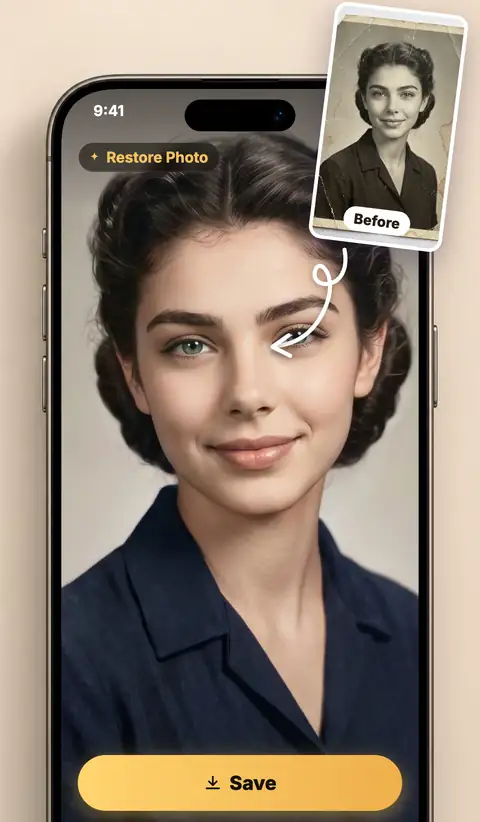
Old photo restoration, in color too
Faded, scratched, low-resolution family pictures come back sharper and cleaner. If the photo is black and white or sepia, Restore Photo colorizes it as well.
Remove the background, or replace it
Cut the background out in one tap and keep a clean edge, or describe the scene you want instead and let Toneli build it.

No Background 
At the Beach 
In the City For the ones that almost worked
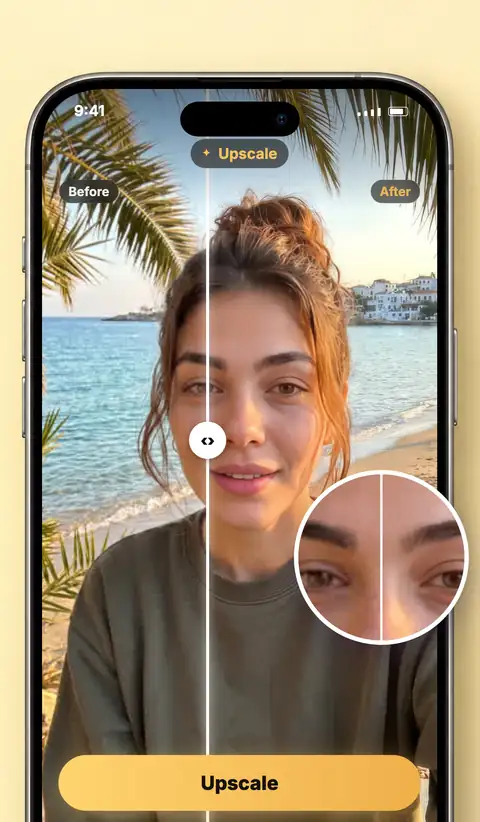
Auto Enhance fixes the whole frame in one tap, Portrait Retouch is made for faces, and Enhance Quality takes what you already have up to 2x on the Basic and Ultra plans.
The right size for where it is going
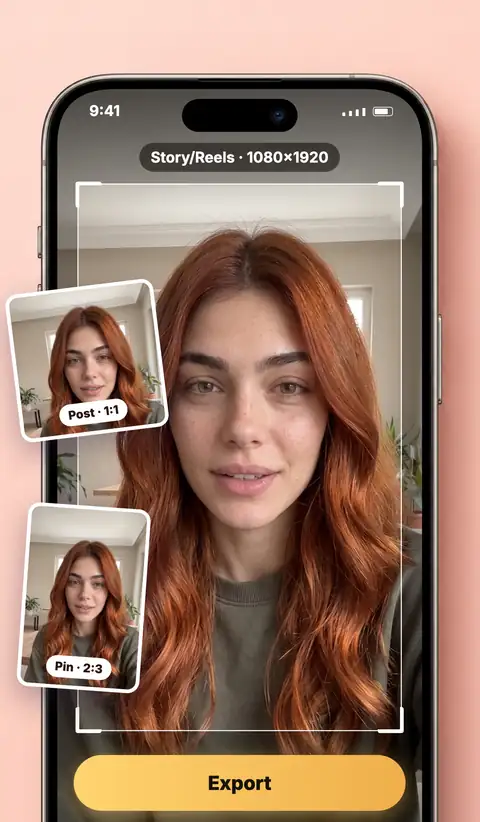
Instagram post, story and landscape, TikTok, YouTube thumbnail, Pinterest pin, LinkedIn, Facebook cover, X header, WhatsApp picture. 8 platforms, 12 sizes, no cropping by hand.
18 looks that need no credit
Every look in Filters, plus Warm Glow and HDR Detail, runs on your phone. They are ready at once and never touch your credits.

Golden Hour 
Dramatic B&W 
Vintage Film 
Teal & Orange 
Classic Sepia 
Moody Dark See what other people made
A feed of real edits from people using the app, each one showing the look behind it. Publish yours when you want to, keep them private when you do not.


Looks
61 looks across 6 tabs
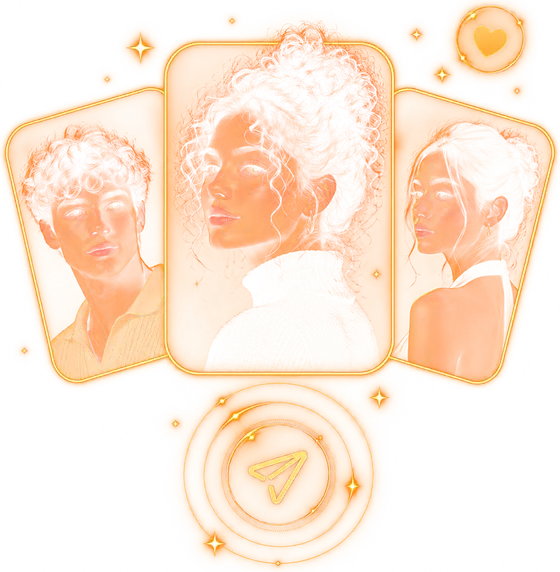
These are the preview images the app itself shows for each look. Pick a tab to browse.
Basic: 6 looks

Auto Enhance 
No Background 
Restore Photo 
Portrait Retouch 
HDR Detail 
Warm Glow
Filters: 16 looks

Cinematic 
Vintage Film 
Dramatic B&W 
Dreamy Glow 
Moody Dark 
Neon Glow 
Portrait Film 
Vivid Slide 
Teal & Orange 
Film Noir 
Clean & Bright 
Golden Hour 
Matte Finish 
Classic Sepia 
Y2K 
Synthwave
Art: 10 looks

Anime Art 
Museum Painting 
Watercolour 
Pop Art Poster 
Pencil Sketch 
Pixel Art 
Storybook Film 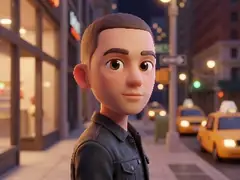
Clay Figure 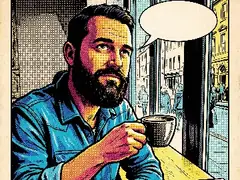
Comic Book 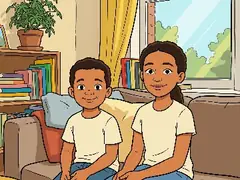
Cartoon
Background: 5 looks

At the Beach 
In a Studio 
In the City 
Out in Nature 
Gradient
Fun: 13 looks
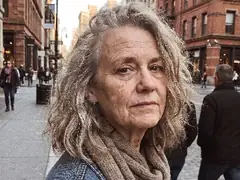
Make Older 
Make Younger 
Cartoon Baby 
Gender Swap 
Bald 
Short Beard 
Long Beard 
Stubble 
Brown Hair 
Blonde Hair 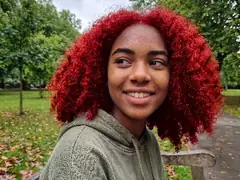
Red Hair 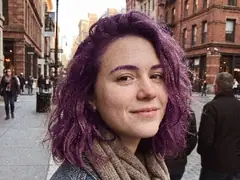
Purple Hair 
Pink Hair
Viral: 11 looks

Action Figure 
My Tiny World 
You in the 90s 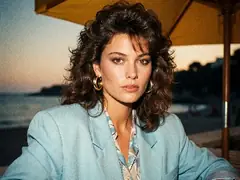
You in the 80s 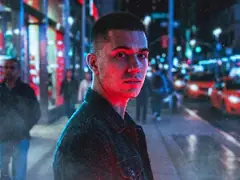
80s Movie Poster 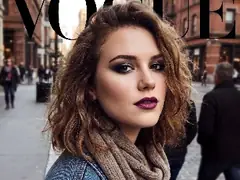
Magazine Cover 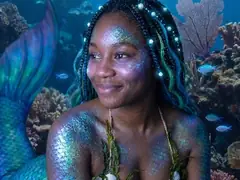
Mermaid 
On a Book Cover 
Propaganda 
Ingredients: Me 
Wanted: Me
Screens
A closer look at the app
The same screens you see on the App Store.


You decide what leaves your phone
Your photo is sent to AI services to be processed. Toneli asks before it sends anything and tells you exactly who receives what. The 18 looks that run on your phone work without it.
Read the Privacy PolicyQuestions
Is Toneli free?
Toneli is free to download and free to start. New accounts get credits for the AI edits, and the 18 looks that run on your phone never use a credit. Free accounts get 20 on-device edits every 30 days. The Basic and Ultra plans add more edits, higher resolution and Enhance Quality.
Which phones does it work on?
iPhone, from the App Store, and Android phones, from Google Play.
What happens to my photo?
To edit your photo with AI, Toneli sends it to the companies that run the AI models, and nothing is sent until you agree. fal.ai receives your photo and runs the editing, upscaling and background models, and Google receives it for the analysis that suggests fixes and the check before publishing. You can withdraw this at any time in Settings.
Do I have to publish my edits?
No. The community feed is optional. Publish an edit when you want to and keep the rest private. Every published image is checked before it appears.
Which languages is the app in?
English, Turkish, German, French, Italian, Spanish, Portuguese, Japanese, Korean and Chinese.
How do I delete my account?
In the app, open Profile, then Settings, and tap Delete Account. If you have already uninstalled the app, you can ask by email instead.

Your photo, better in one tap.
Free to start on iPhone and Android.